Keyboard shortcuts esc
Jump to a page, run a command
⌘K
This list
?
On a course
Next / previous article
↓↑
Mark it learning, then mastered, then clear
mspace
Open it
↵
Edit it
e
Switch version
s
Hide it from your progress (undo under Course & progress)
h
On an article
Previous / next article
←→
Mark learning, then mastered, then clear
m
Edit the article
e
    ↑↓ navigate ↵ open ⇥ only that course esc close

    Reading the trail map

    By renec112 Last edited 2 hours, 26 minutes ago by renec112

    fundamentals

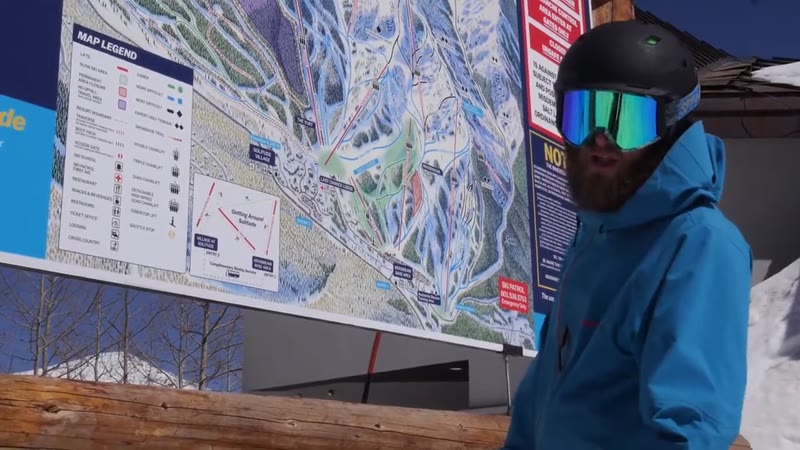
    A trail map is your guide to a ski resort, showing you all the runs, lifts, and facilities. It helps you navigate the mountain and choose terrain that matches your skill level.

    Look for trail maps at the base lodge, near chairlifts, or grab a paper copy from the ticket office or rental shop. They're usually oriented so 'up' on the map is 'up' the mountain.

    Every map uses universal symbols for trail difficulty: green circles for easy, blue squares for intermediate, black diamonds for advanced, and double black diamonds for expert terrain. You'll also see symbols for lifts, lodges, and other facilities.

    Use the map to plan your route down the mountain, choosing runs that match your comfort level. Pay attention to where lifts take you and how to get back to the base or other areas.

    Watch more here:
    YouTube video

    Video by Level Nine Sports

    Progress saved on this device. Sign up to keep it across devices.

    Prerequisites and unlocks · 3 before · 0 after experimental

    Built from the prerequisite tags in each article, which anyone can edit.

    Version history · 1 edit
    • renec112 edited 2 hours, 26 minutes ago

      Added metadata and content

    Rate and comment
    Rate the article

    No comments yet.

    Log in to leave a comment.