

A trail map is your guide to a ski resort, showing you all the runs, lifts, and facilities. It helps you navigate the mountain and choose terrain that matches your skill level.
Look for trail maps at the base lodge, near chairlifts, or grab a paper copy from the ticket office or rental shop. They're usually oriented so 'up' on the map is 'up' the mountain.
Every map uses universal symbols for trail difficulty: green circles for easy, blue squares for intermediate, black diamonds for advanced, and double black diamonds for expert terrain. In Europe the colours differ slightly: green or blue for easy, red for intermediate and black for advanced. You'll also see symbols for lifts, lodges, and other facilities.
Use the map to plan your route down the mountain, choosing runs that match your comfort level. Pay attention to where lifts take you and how to get back to the base or other areas. A green run that ends at a lift which only serves blacks is a trap worth spotting before you get on it.
Watch more here:
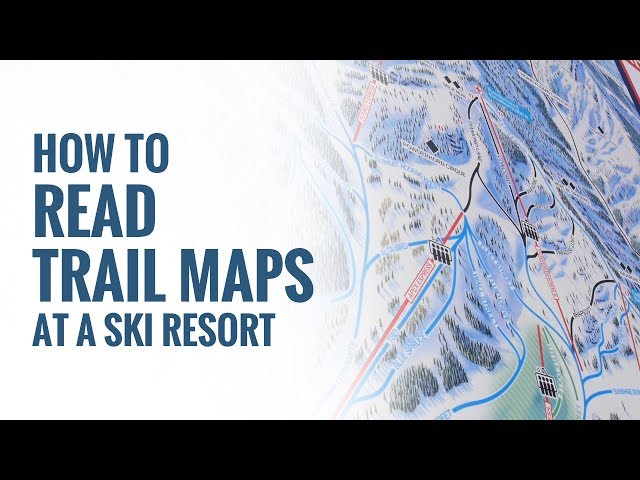
Source: Level Nine Sports · How To Read Trail Maps At A Ski Resort