

How to use a button lift
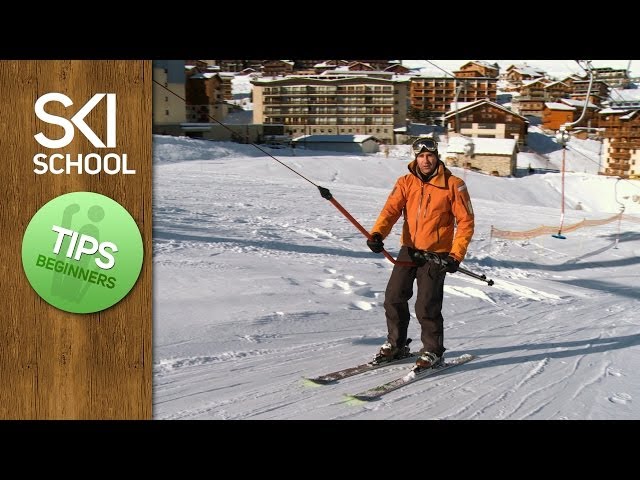
- Getting on: Hold both poles in your uphill hand. With your skis on walk towards the loading station, make sure you are standing at least half a meter away from incoming bars from the lift. Position your skis hip-width apart, pointing straight up the hill. Look behind you, reach for the approaching bar, and let it settle gently against your backside. Don't try to sit on it.
- Riding up: Stand tall and relaxed. Look ahead, letting the lift pull you and your skis glide up the slope. Don't try to sit down; the lift won't support your full weight.
- Getting off: Wait until you're on the flat at the top. Pull the bar down and gently let it go. Immediately move forward and out of the way of skiers coming up behind you.
You might also encounter button lift you have to trigger yourself with a button or by walking over a sensor, it will look like this:
Source: Maison Sport · HOW TO RIDE A BUTTON LIFT | tips for beginners
Common mistakes
- Sitting on a button lift: The bar is a drag, not a seat. If you try to sit, you'll slide down and fall.
- Getting off a button lift too early: Wait until you're on the flat at the top. Getting off too soon can make you slide backward.
Watch more here:
Source: SKNG Ski School · How to Use Beginner Lifts - Tips for Ski Holidays